The title is “7 Signs Your Computer Needs Help (and What to Do About It)”.
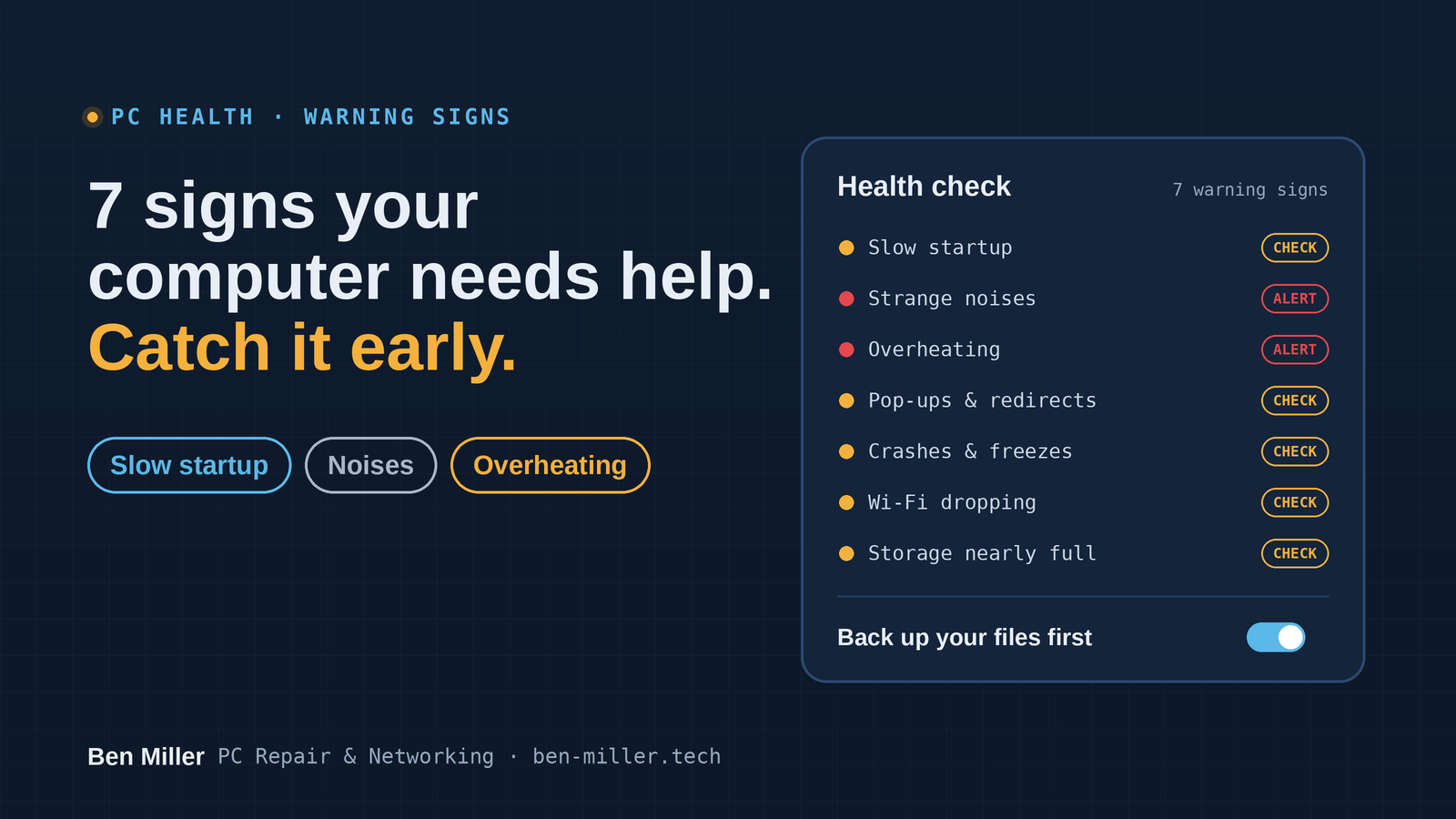
1. It takes forever to start up or open programs
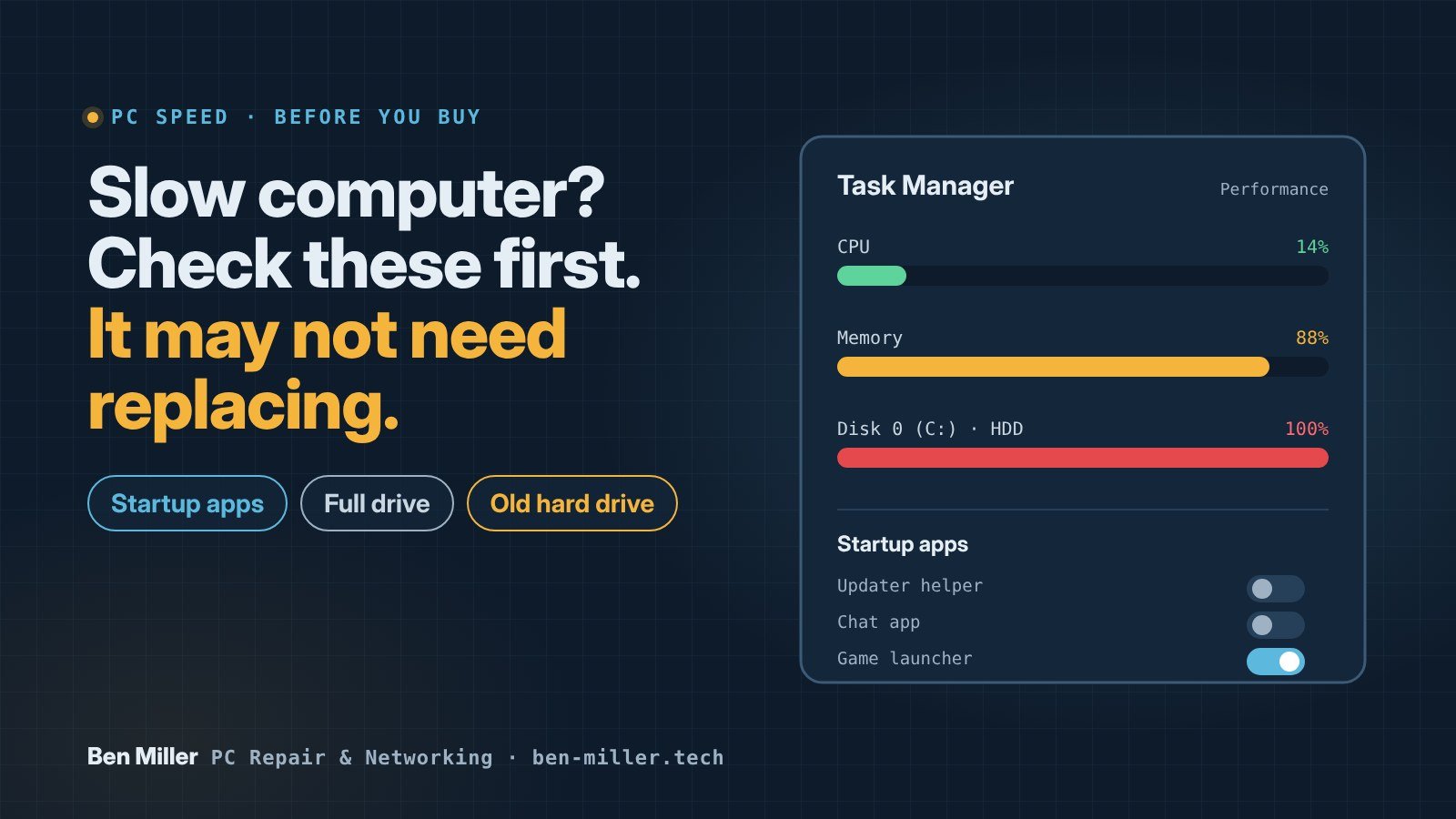
If your computer used to be ready in a minute and now takes five, something has changed. Common causes include too many programs launching at startup, an aging hard drive, not enough memory, or malware running in the background. Often a cleanup, a fresh install of Windows or macOS, or a move to a solid-state drive (SSD) makes an old machine feel brand new.
2. Strange noises
Clicking, grinding or loud whirring are never good. Clicking from a traditional hard drive can mean the drive is failing, so back up your files right away and stop using the machine until it's checked. A loud fan usually means dust buildup or a cooling problem, which can lead to overheating if it's ignored.
3. It gets hot or shuts down on its own
Heat is a computer's worst enemy. Random shutdowns, a laptop that's too hot to keep on your lap, or fans that never slow down all point to cooling trouble. Cleaning out the dust and replacing dried-out thermal paste can often solve it.
4. Pop-ups, redirects and programs you didn't install
If your browser opens strange sites, your home page keeps changing, or you see toolbars and apps you never installed, your computer may be infected with adware or malware. Don't click on those pop-ups, and don't call phone numbers they display. Run a trusted security scan, and if the problem comes back, get it professionally cleaned.
5. Blue screens, freezes and constant crashes
One crash now and then happens to everyone. Repeated blue screens, freezes or programs closing on their own point to a deeper issue, such as failing hardware, bad drivers, corrupted system files or a bad update. Write down any error message you see; it helps a lot with diagnosis.
6. The Wi-Fi is slow or keeps dropping
Sometimes the computer is fine and the network is the problem. An old router, a poor router location, interference or too many devices can all slow things down. A proper network and Wi-Fi setup, with the router placed well and configured correctly, often fixes it for the whole house or office.
7. You're running out of storage, or you haven't backed up in a long time
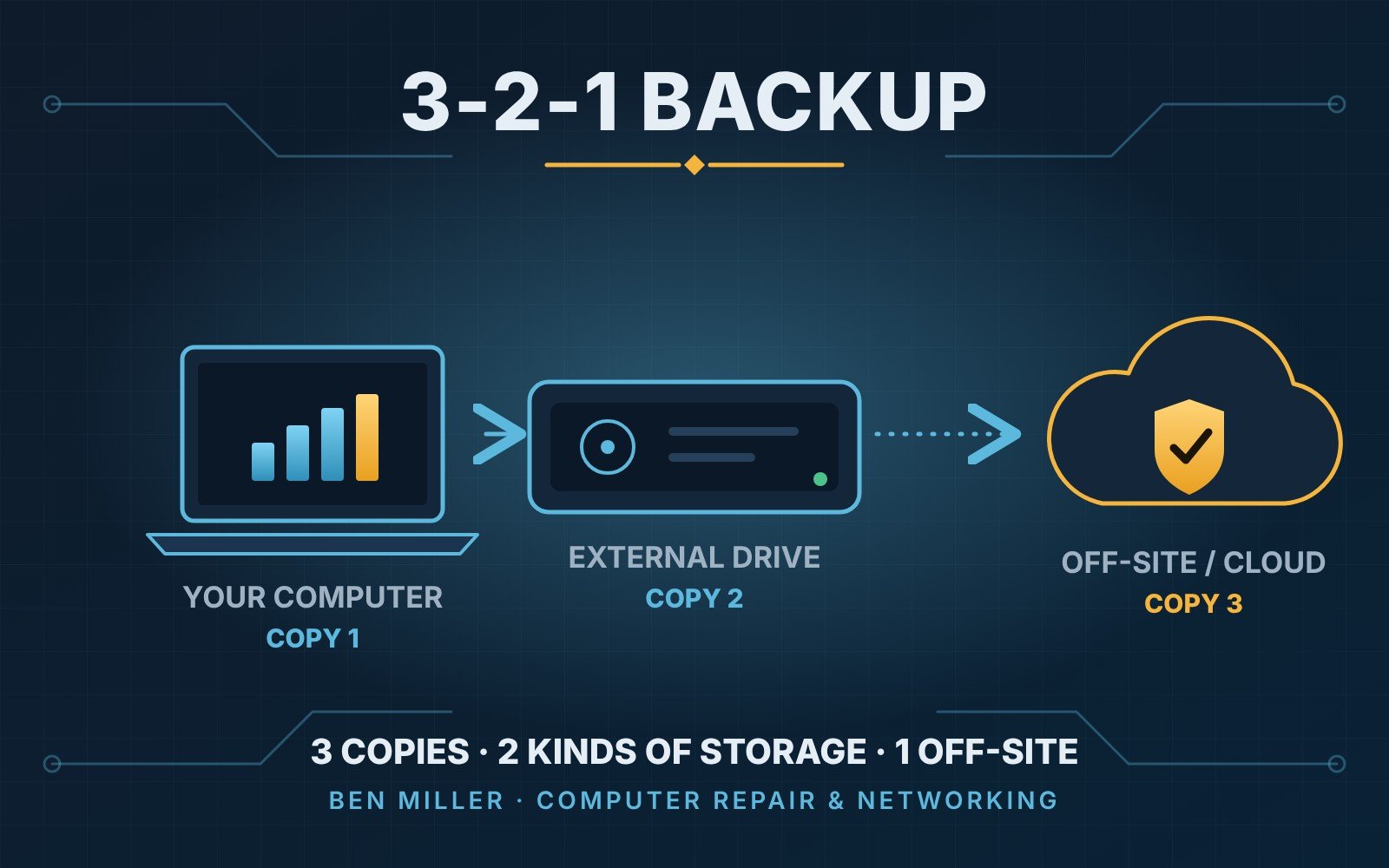
A nearly full drive slows everything down, and no backup means one bad day can wipe out years of memories. Follow the simple 3-2-1 rule: keep 3 copies of your important files, on 2 different types of storage, with 1 copy somewhere else, such as a cloud service.
Quick tips to keep your computer healthy
- Install system and security updates when they're offered.
- Use strong, unique passwords, and turn on two-factor authentication.
- Restart your computer at least once a week.
- Back up your important files regularly.
- Be cautious with email attachments, links and "urgent" messages.
- Keep the vents clear and the dust out.
When to call a professional
If you're seeing any of these signs, don't wait for the computer to quit completely. I hold CompTIA A+, Network+ and Security+ certifications, and I work on PCs and Macs, hard drive recovery, new PC builds, Wi-Fi and network setup, and more.
Remote support is available 24/7, so many problems can be fixed without you leaving home. I also come to you in person across Fort Lauderdale and Broward County.
- Phone: (786) 459-9257
- Email: benjajm@me.com
- Hours (in person): Monday to Friday, 12pm to 4pm
- Website: https://www.ben-miller.tech